Updates automatically as you type.
Calculated in your browser; your inputs are not sent to us. Privacy
Calculation details
Planning estimate only, not financial, tax, or legal advice. Verify assumptions and current rules before making decisions.
This tool runs in your browser. Your calculator inputs and results are never transmitted to us or to ad/affiliate partners. Ads and sponsored links may set third-party cookies to serve and measure them, but they never receive your calculation values. If you explicitly save a scenario, its permitted fields stay in local browser storage until you clear them. See our Privacy Policy.
Use this result
Share the current inputs or ask ChatGPT to explain the calculation in context.
More options
What does this calculator estimate?
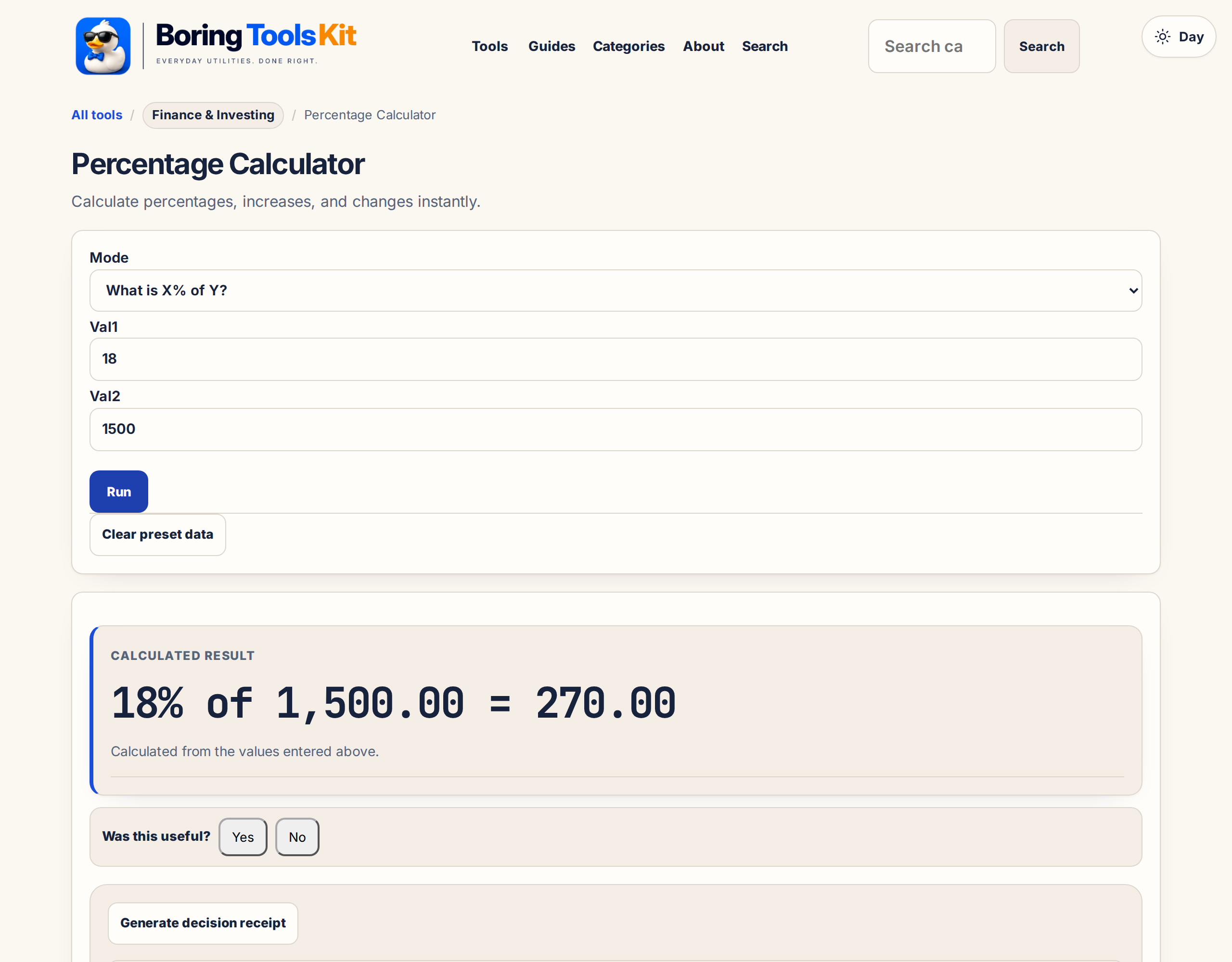
Calculate percentages, increases, and changes instantly. Free percentage calculator with the formula shown - runs entirely in your browser, no signup.
Why is a percentage increase not reversible by the same percentage?
A 20% raise followed by a 20% cut does not return to the start: the cut acts on the larger number, leaving 96% of the original. Percentages are ratios of whatever base they act on, so reversing requires dividing by (1 + the increase), not subtracting the same percentage. This asymmetry trips up raise-and-cut comparisons, price markups, and portfolio swings alike.
Percentage of what? Choosing the right base
The most common percentage error is an unstated base. A store claiming 50% more free is comparing to a different base than 25% off the price. Before computing, name the base quantity explicitly: percentage of the original, of the discounted price, or of the other number. The calculator computes exactly what you enter, so the base lives in the inputs you choose.
How this calculator works
Formula
The calculator supports: X% of Y = X ÷ 100 × Y; X is what % of Y = X ÷ Y × 100; percent change = (new − original) ÷ |original| × 100.
Worked example
15% of 80 is 12. Moving from 80 to 100 is a 25% increase. Moving from 100 to 80 is a 20% decrease.
Assumptions to verify
- Percent change depends on the chosen base value.
- Original value cannot be zero for percent-change calculations.
- For taxes, fees, APR, discounts, or legal calculations, confirm the exact rule being applied.
Frequently asked questions
Why are percentage increase and decrease not symmetric?
Because each uses its own starting value as the denominator.
What does percentage point mean?
A move from 5% to 7% is 2 percentage points, not a 2% relative increase.
Can I use this for discounts or tax?
Yes for arithmetic, but tax/fee rules can add exceptions, caps, or rounding.
Cite this tool
BoringToolsKit. “Percentage Calculator.” boringtoolskit.com/percentage-calc/. Free to reference in articles, syllabi, and answer posts with a link.
Privacy: Inputs and results stay in this browser. Any future sponsored recommendation or advertisement will be clearly labeled and kept separate from the calculation.