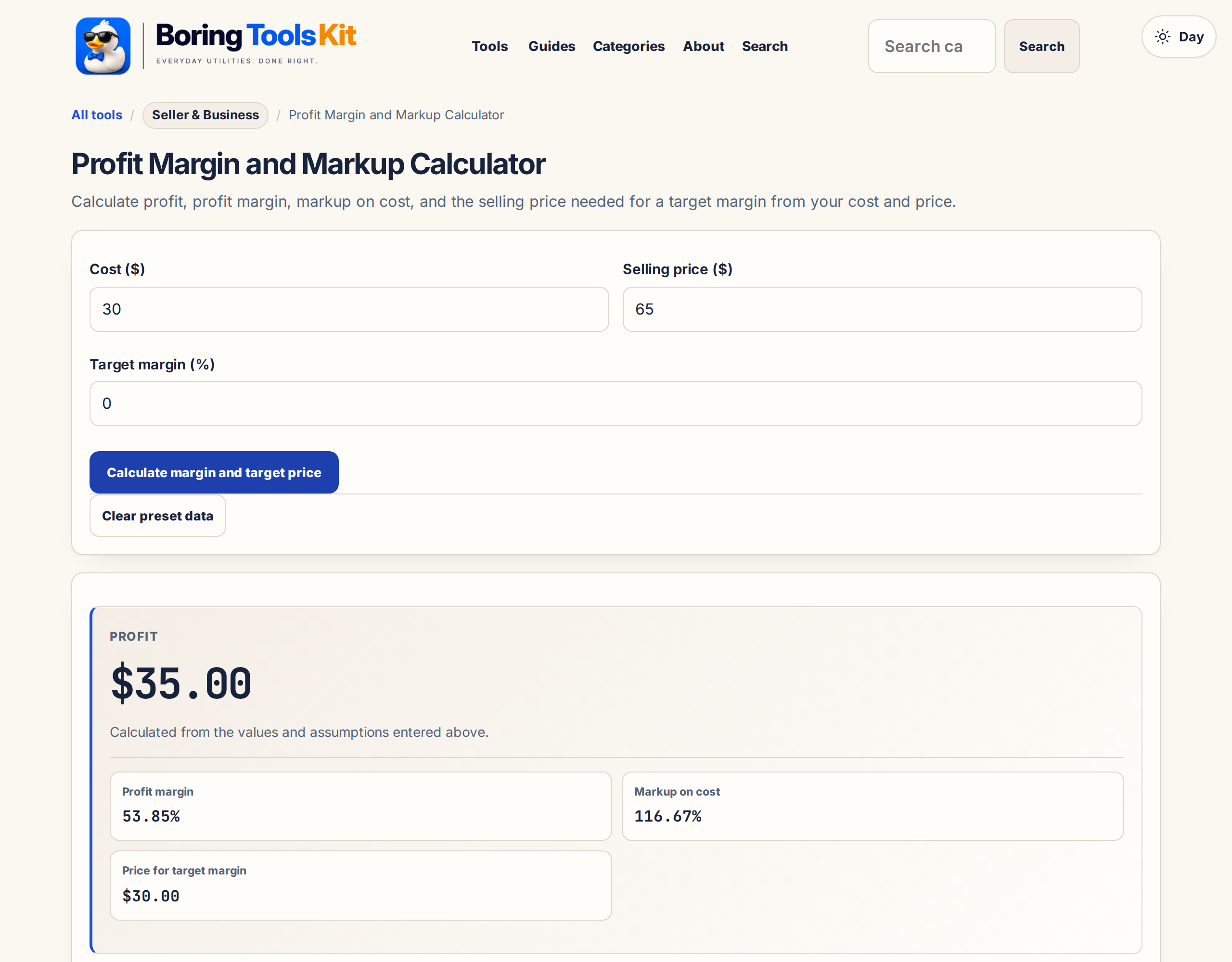
Profit Margin and Markup Calculator
Set prices with a clear view of cost, margin, and markup — and the price your target margin actually requires.
Decision summary
Platform fees are calculated from your current inputs; extra costs are shown separately.
Sale composition
Color customization
Optional extra costs
These adjust profit only; they do not change the platform-fee authority.
Planning boundary
Use this as a local planning estimate. Verify current fees, taxes, advertising, and overhead before making a pricing decision.
How the fee estimate works
Profit is the selling price minus your total cost (the cost input plus any custom fees added below). Margin is profit as a share of the selling price; markup is profit as a share of cost — the two are easily confused and produce different numbers. The target-margin price solves cost ÷ (1 − target margin). Results are planning estimates, not pricing advice.
($40 profit on $60 cost)
(same sale)
formula
and markup when pricing
Margin divides profit by price; markup divides profit by cost. Verify your own cost base before setting a price.
Margin vs markup — on a $100 sale with $60 cost, margin is 40% (profit over price) while markup is 66.7% (profit over cost). Pricing from a target margin requires dividing cost by (1 − margin), not multiplying by the margin rate. Use this profit margin calculator to check both views of the same sale and the price your target margin requires.
Planning estimate only. Platform fees, taxes, payment costs, and policies can change; verify current terms before pricing.
Confirm live fee policies before you publish or revise a price.
Profit Margin — explained (Shopify Blog)Share or save this tool
Sharing uses the page URL only—not your inputs or results.
More options
What does this calculator estimate?
Calculate profit, profit margin, and markup from cost and selling price, or find the selling price required for a target margin. The calculator keeps margin and markup distinct: margin measures profit against price, while markup measures profit against cost. Results use the standard formulas shown below.
Margin versus markup: the same 40% describes two different prices
Margin and markup get used interchangeably in conversation and they are not the same number. Margin divides profit by selling price. Markup divides profit by cost. A 40% margin target on a $60 cost means selling at $100.00, because $40 is 40% of $100. A 40% markup on the same $60 cost means selling at $84.00, because $24 is 40% of $60. The gap on one unit is $16; on 1,200 units it is $19,200 of missing revenue.
The reverse error is subtler and more common. If finance sets a 40% margin target and a buyer marks up by 40% instead, the transaction lands at 28.6% margin, roughly 11 points short of the goal. Always state which convention the number is expressed in before you multiply anything, and use this calculator's price-from-margin mode when the target comes from a margin statement, and the markup mode only when the target came from a cost convention.
Keystroke inventory for the price-from-margin mode: target 40, cost 60, and the price field should read 100.00. The percentage error mode in reverse is just as diagnostic. If someone specifies a price of 84.00 with the cost at 60.00, the margin reads 28.6, not 40, and you now know a markup number was injected into a margin conversation. Comparisons between two suppliers with different cost bases only make sense on a common convention, so standardize on margin inside your own documents and translate markup on the way in.
Computing margin after payment fees already left the gross price
If a sale closes at $160.00 and $4.60 in payment processing leaves the account right away, the revenue the calculator should first see is $155.40. When the direct cost was $88.00, the margin is not (160 minus 88) over 160, or 45%; it is (155.40 minus 88) over 155.40, or 43.4%. Across 800 units a month that small 1.6 point slippage mislabels roughly $2,458 of profit.
The fix is ordering. Run a payment fee calculation first, take the net amount, and enter that as the selling price here; otherwise run this calculator against gross and accept that every margin line you publish is overstated by whatever fee load you carry. The compounded mistake is worse downstream: a margin figure that ignores fees makes the break-even calculation too optimistic, and you learn the real number when a month of actual settlements comes in about two points below plan.
One more fee-layer test with real numbers: a marketplace listing at a 13% commission on the same 160 sale takes 20.80, so the net revenue is 139.20 and the margin versus 88 cost becomes 36.8%, nearly nine points below the naive 45. Fee loads vary that widely across channels, which is why the calculator cannot accept a single fee input for all of them. Enter the channel-specific net price once per channel and keep a small table of the resulting margins rather than trusting one figure across every listing.
Pricing a cart instead of a SKU: where blended margins mislead
Margin targets are usually set per item, but cash arrives per order. Take a $19.95 accessory carrying a 55% margin and a $285.00 flagship carrying 22%. The blended margin of one cart containing both is not the average of the two percentages; it is weighted by revenue. Blended revenue is $304.95, blended profit is $10.97 plus $62.70, or $73.67, so the blended margin is about 24.2%, far closer to the flagship than the accessory.
This is why a catalog full of high-margin accessories can still leave a store cash poor, and why one flagship at a plain 20% margin can fund the rent. Use this calculator per SKU as intended, but reconcile against the mix: pull a real month of orders, total revenue and profit in dollars, and recompute the blended percentage before quoting a house margin to a lender or comparing two product lines to each other.
The rounding consequence is trivial at one unit and material at volume. Pricing a 19.95 accessory to hit a 55% margin with an even price of 44.99 versus a psychological 44.00 changes the margin by more than two points, so anchor items get chosen on the margin table you want, not on the cosmetics you prefer. Run the price-from-margin mode, round to store convention, then re-enter the rounded price to confirm the margin you are actually publishing on the shelf tag.
How this calculator works
Formula
Profit = sale price − cost. Margin % = profit ÷ sale price × 100. Markup % = profit ÷ cost × 100.
Worked example
If an item costs $42 and sells for $79, profit is $37, gross margin is about 46.8%, and markup is about 88.1%.
Assumptions to verify
- Cost should include direct product or job cost before overhead if you want gross margin.
- Shipping, payment fees, refunds, taxes, ads, and labor may need separate line items.
- Target prices should be checked against market demand and customer willingness to pay.
Frequently asked questions
How do you calculate profit margin?
Subtract cost from selling price to find profit. Then divide profit by selling price and multiply by 100: profit margin = (price - cost) / price × 100.
What is the difference between margin and markup?
Profit margin divides profit by selling price. Markup divides the same profit by cost. Because their denominators differ, equal cost and price figures usually produce different percentages.
How do you calculate selling price from target margin?
Divide cost by (1 minus the target margin as a decimal). For a 40% target margin, divide cost by 0.60 to find the selling price.
Cite this tool
BoringToolsKit. “Profit Margin and Markup Calculator.” boringtoolskit.com/profit-margin-markup-calculator/. Free to reference in articles, syllabi, and answer posts with a link.
Privacy: Inputs and results stay in this browser. Any future sponsored recommendation or advertisement will be clearly labeled and kept separate from the calculation.