Click or drag across the X/Y plane, use arrow keys, adjust hue, enter HEX, or choose a basic color.
Screen colors and printed output can differ by display calibration, color profile, material, ink, and lighting. Verify production colors in the target medium.
This tool runs locally in your browser. Inputs and results are not transmitted or retained by BoringToolsKit.
Use this result
Share the current inputs or ask ChatGPT to explain the calculation in context.
More options
What does this tool show?
Color picker: pick any color and convert between HEX, RGB, and HSL values with copy-ready codes for design and web work. Free, private, no signup needed.
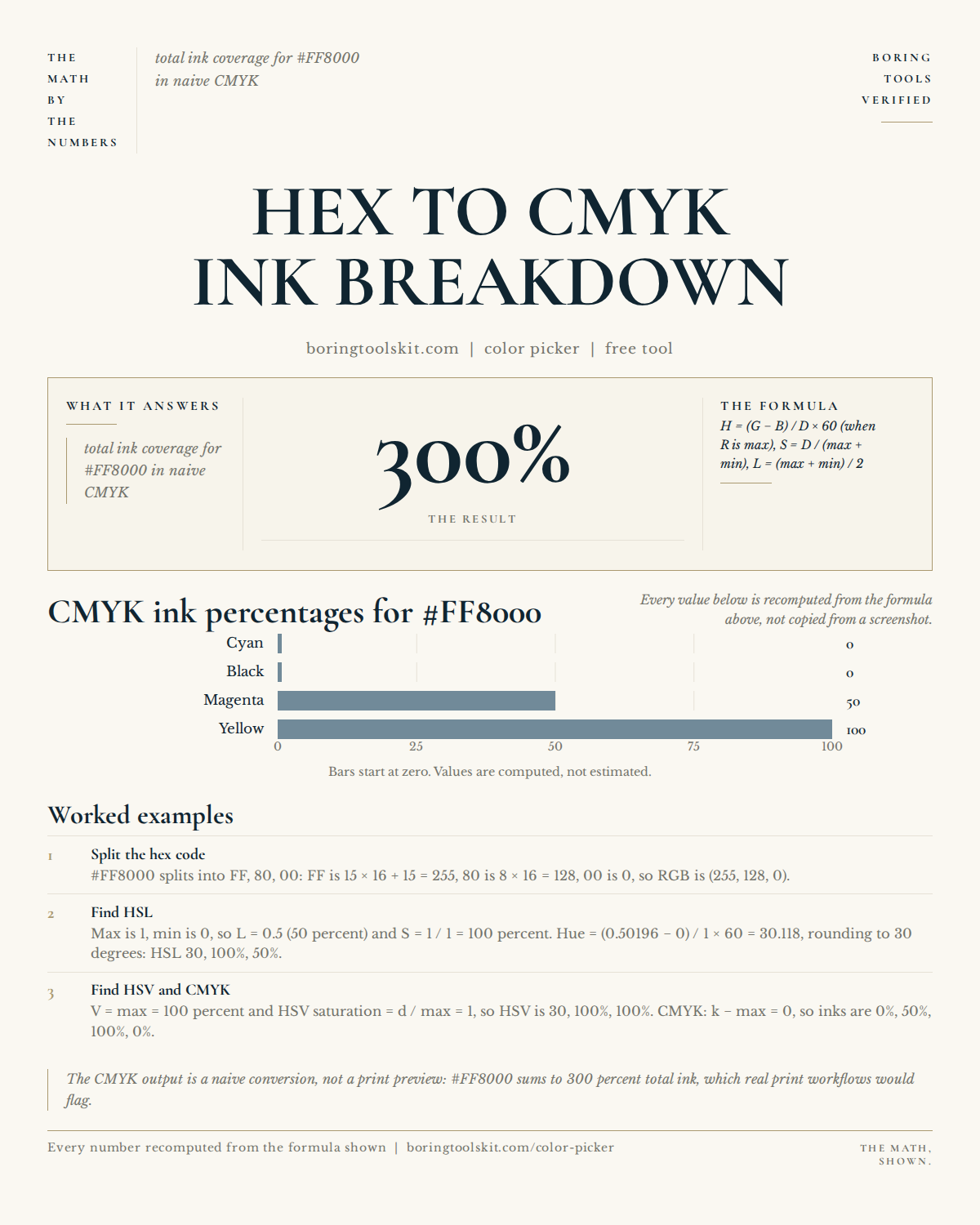
How this calculator works
Frequently asked questions
What is a color picker tool?
A color picker is a browser-based tool that lets you select and extract hex, RGB, or HSL color values from any image or screen directly on your device.
Do I need to create an account or sign up to use this color picker?
No, this color picker requires no signup or account; it runs entirely in your browser and does not save any of your data.
Does this color picker upload my images to a server?
No, this color picker is a no-signup, browser-based tool that processes all images and color data locally on your device without uploading anything.
Cite this tool
BoringToolsKit. “Color Picker.” boringtoolskit.com/color-picker/. Free to reference in articles, syllabi, and answer posts with a link.
Privacy: Inputs and results stay in this browser. Any future sponsored recommendation or advertisement will be clearly labeled and kept separate from the calculation.