Scientific Notation Converter

Scientific notation converter: turn decimals into scientific or engineering notation and back, with adjustable significant figures. Free, runs in your browser.

Client-side only Nothing stored No account needed
Last verified July 2026

Calculated in your browser; your inputs are not sent to us. Privacy

Results update when you run the tool.

Output will appear here.
Ask an AI to explain this result
Share this result

This tool processes the selected input in your browser. Review the output before relying on it; format and file behavior can vary by browser and source data.

Your inputs and results stay in this browser. This page may send privacy-bounded aggregate interaction events described in Privacy; it does not send your entered values or result contents.

Use this result

Share the current inputs or ask ChatGPT to explain the calculation in context.

More options
Report a calculation issue
Direct answer

What does this converter do?

Scientific notation converter: turn decimals into scientific or engineering notation and back, with adjustable significant figures. Free, runs in your browser.

  • Engineering notation forces the exponent to a multiple of 3; scientific notation keeps the mantissa in [1, 10).
Converter turning 45300 into 4.53 x 10^4 and 45.30 x 10^3
45300 becomes 4.53 x 10^4 in scientific, 45.30 x 10^3 in engineering notation
Formula & evidence

How this calculator works

Reviewed 2026-09-20 · BoringToolsKit Editorial Team

Formula

Scientific notation = mantissa x 10^exponent, with the mantissa normalised to 1 <= |mantissa| < 10. Engineering notation uses the same mantissa but rounds the exponent down to a multiple of 3, so 1.23e-5 and 12.3e-6 are equivalent.

Sources

Sources support the method, terminology, or planning context. Editable assumptions remain your responsibility.

Assumptions to verify

  • Inputs are treated as exact decimal values.
  • Standard (not historical or survey) unit definitions are used.
  • The calculation uses the factors at the precision shown in the formula panel; rounding beyond that is display-only and adds no accuracy.

Frequently asked questions

What does the significant-figures setting change?

It sets how many digits are kept in the mantissa. The value itself is unchanged - this only controls how precisely the same number is written, not its accuracy.

Cite this tool

BoringToolsKit. “Scientific Notation Converter.” boringtoolskit.com/scientific-notation-converter/ (reviewed 2026-09-20). Free to reference in articles, syllabi, and answer posts with a link.

Privacy: Inputs and results stay in this browser. Conversion runs locally in your browser; review the output before relying on it.

Worked example: 45,300 at 3 significant figures

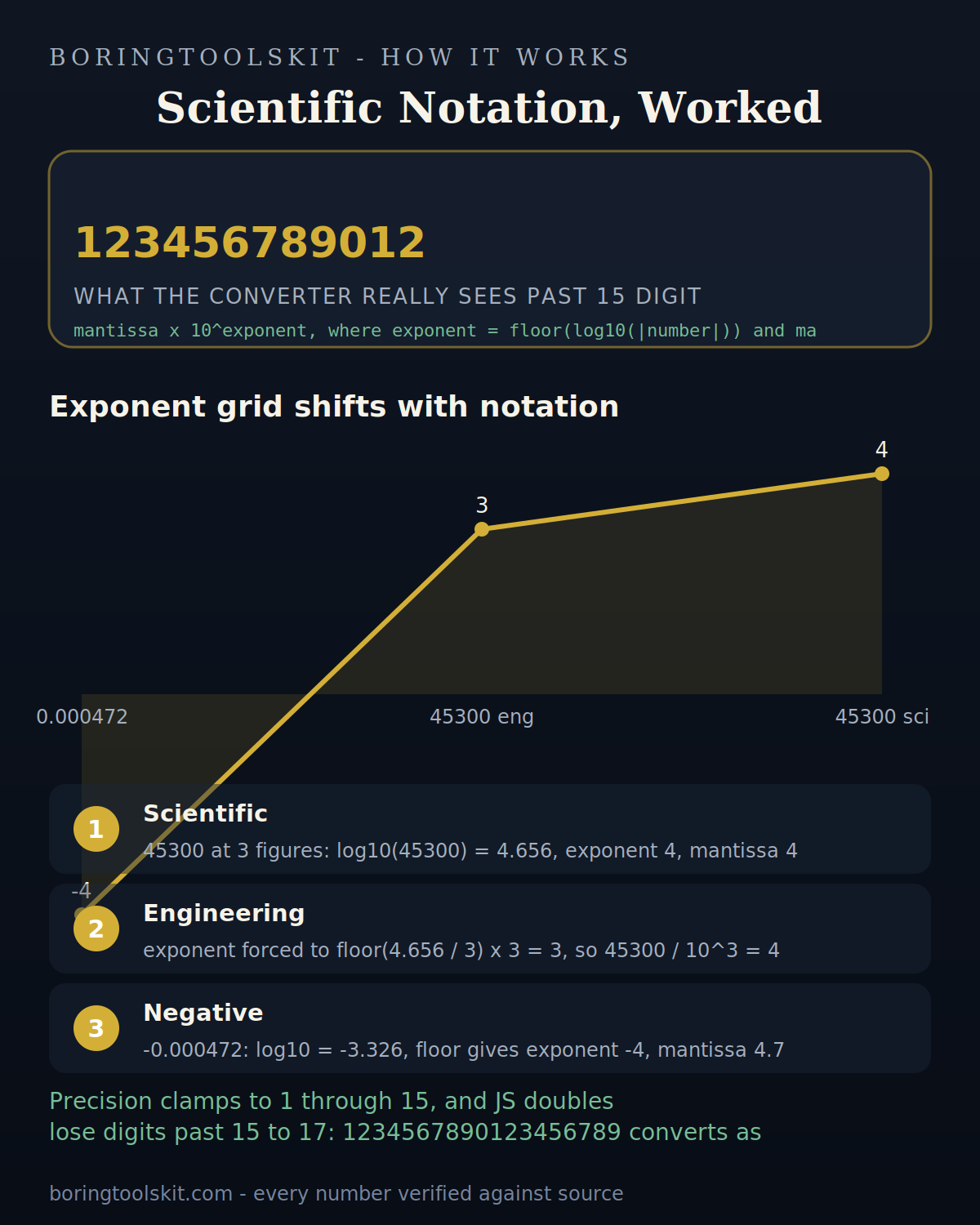
Enter 45300 with precision 3. The converter takes log10(45300) = 4.656, keeps the integer part, and gets exponent 4. Dividing 45300 by 10^4 gives mantissa 4.53, so the scientific output is 4.53 x 10^4, with the significant-figures metric reading 3.

Switching the format dropdown to Engineering changes the arithmetic: the exponent is forced to a multiple of 3. Floor(4.656 / 3) = 1, so exponent = 3 and 45300 / 10^3 = 45.3. Because the engineering branch reserves precision minus one decimal places, the display reads 45.30 x 10^3, a four-digit mantissa even though you asked for 3 significant figures. Both strings equal the same number; only the exponent grid changes.

Negative inputs stay consistent: -0.000472 takes log10(0.000472) = -3.326, so exponent is floor(-3.326) = -4, mantissa is 4.72, and the sign is reapplied as a prefix: -4.72 x 10^-4. The floor matters here; rounding would give -3 and a mantissa of 0.472, which breaks the 1-to-10 convention.

Where the output can surprise you

The converter works on the raw JavaScript Number, so anything beyond 15 to 17 significant digits is already lost before conversion. Type 1234567890123456789 and it converts 1234567890123456768, because the nearest double to that integer ends in 768. For digit-exact work with long numbers, a big-integer tool is the honest choice.

Floating-point noise shows up in the reverse direction too. Values like 0.1 + 0.2 = 0.30000000000000004 convert to 3.0000000000000004 x 10^-1 at precision 15. Dropping the precision to 3 or 4 hides this and is the practical fix.

Two more edge cases: precision is clamped to the range 1 through 15, so asking for 20 digits silently returns 15-digit output. And the conversion follows IEEE-754 rounding rather than decimal half-up rounding, so a mantissa sitting exactly halfway at the last kept digit may round to even. For classroom or exam notation, keep inputs to 12 digits or fewer and the output will match hand calculation exactly.