Updates automatically as you type.
Calculated in your browser; your inputs are not sent to us. Privacy
Calculation details
Planning estimate only, not financial, tax, or legal advice. Verify assumptions and current rules before making decisions.
This tool runs in your browser. Your calculator inputs and results are never transmitted to us or to ad/affiliate partners. Ads and sponsored links may set third-party cookies to serve and measure them, but they never receive your calculation values. If you explicitly save a scenario, its permitted fields stay in local browser storage until you clear them. See our Privacy Policy.
Use this result
Share the current inputs or ask ChatGPT to explain the calculation in context.
More options
What does this calculator estimate?
To round a number to the nearest multiple, divide by the multiple, round the ratio to a whole number, then multiply back. Example: 27 rounded to the nearest 5 gives 27 / 5 = 5.4, which rounds to 5, so the answer is 5 x 5 = 25. The same input also yields a rounded-up value of 30 and a rounded-down value of 25, so you can pick the direction that fits your task, such as rounding up when ordering material.
- Round to the nearest multiple by dividing, rounding the ratio, and multiplying back: 27 / 5 = 5.4 rounds to 5, so 27 becomes 25.
- The calculator always shows all three directions at once: nearest, up, and down for the same multiple.
- JavaScript's Math.round sends exact .5 ties toward positive infinity, so 2.5 rounds to 3 but -2.5 rounds to -2.
How rounding to a multiple works
Rounding to a multiple is a three-step operation. First divide your value by the multiple to get a plain ratio: 27 divided by 5 is 5.4. Next round that ratio to a whole number using whichever direction you need, so 5.4 becomes 5 for nearest and down, or 6 for up. Finally multiply the rounded ratio back by the multiple to return to the original scale: 5 x 5 = 25, or 6 x 5 = 30.
The calculator computes all three directions in one pass from the same ratio, which is useful because the nearest answer is not always the one you want. Ordering plywood in 4-foot sheets for a 10-foot wall gives a ratio of 2.5, and the nearest result of 3 sheets equals the rounded-up result, but the down result of 2 sheets tells you exactly how short you would fall.
Exact multiples are their own boundary case. If the value is already a multiple, such as 40 with a multiple of 10, the ratio is exactly 4, and ceil, floor, and round all agree: every direction returns 40. The tool never adds a spurious step to a number that already sits on a grid line.
Edge cases and limitations
Tie behavior follows JavaScript's Math.round, which resolves exact .5 ratios toward positive infinity rather than using the round-half-to-even rule taught in statistics classes. With a multiple of 1, a value of 2.5 rounds to 3, but a value of -2.5 rounds to -2, not -3. If your work requires banker's rounding or always-round-half-up on negatives, this tool's nearest result will differ from those conventions on exact ties.
The multiple input is validated, not transformed: anything at or below 0, or above 1,000,000, returns an error message instead of a result. There is no decimal-places mode and no significant-figures mode here; if you enter 0.5 as the multiple the grid is in half steps, but the tool has no separate setting for places, and any such field in a related tool is truncated toward zero rather than rounded.
Values are read as JavaScript numbers, so they inherit binary floating point limits. A value like 0.1 with a multiple of 0.1 can produce a ratio that is not exactly 1 because 0.1 cannot be stored exactly in binary, and displayed results may show tiny representation artifacts at extreme magnitudes. For everyday magnitudes under a million the arithmetic is exact enough that you will not notice.
Using up and down rounds in practice
Round up whenever the cost of being short is worse than the cost of surplus. Buying 68 square feet of tile sold in boxes covering 10 square feet gives a ratio of 6.8, so rounding down would leave you 8 square feet short mid-project; the up result of 7 boxes, 70 square feet, is the defensible order. The same logic applies to lumber lengths, paint cans, and event seating where every attendee needs a chair.
Round down when the constraint is a hard capacity. A truck rated for 1,000 pounds carrying 140-pound crates gives a ratio of about 7.14, so the safe load is the down result of 7 crates, not the up result of 10 that would exceed the rating by 400 pounds. Checking the down value converts a vague safety instinct into an exact number.
The nearest value is the default for pricing and estimation. Quoting a client at steps of 50 dollars for work valued at 680 dollars gives a ratio of 13.6, and the nearest result of 700 dollars keeps the quote honest without underpricing. Running all three directions in one calculation lets you present a range, such as 650, 700, and 700, and explain which number applies under which condition.
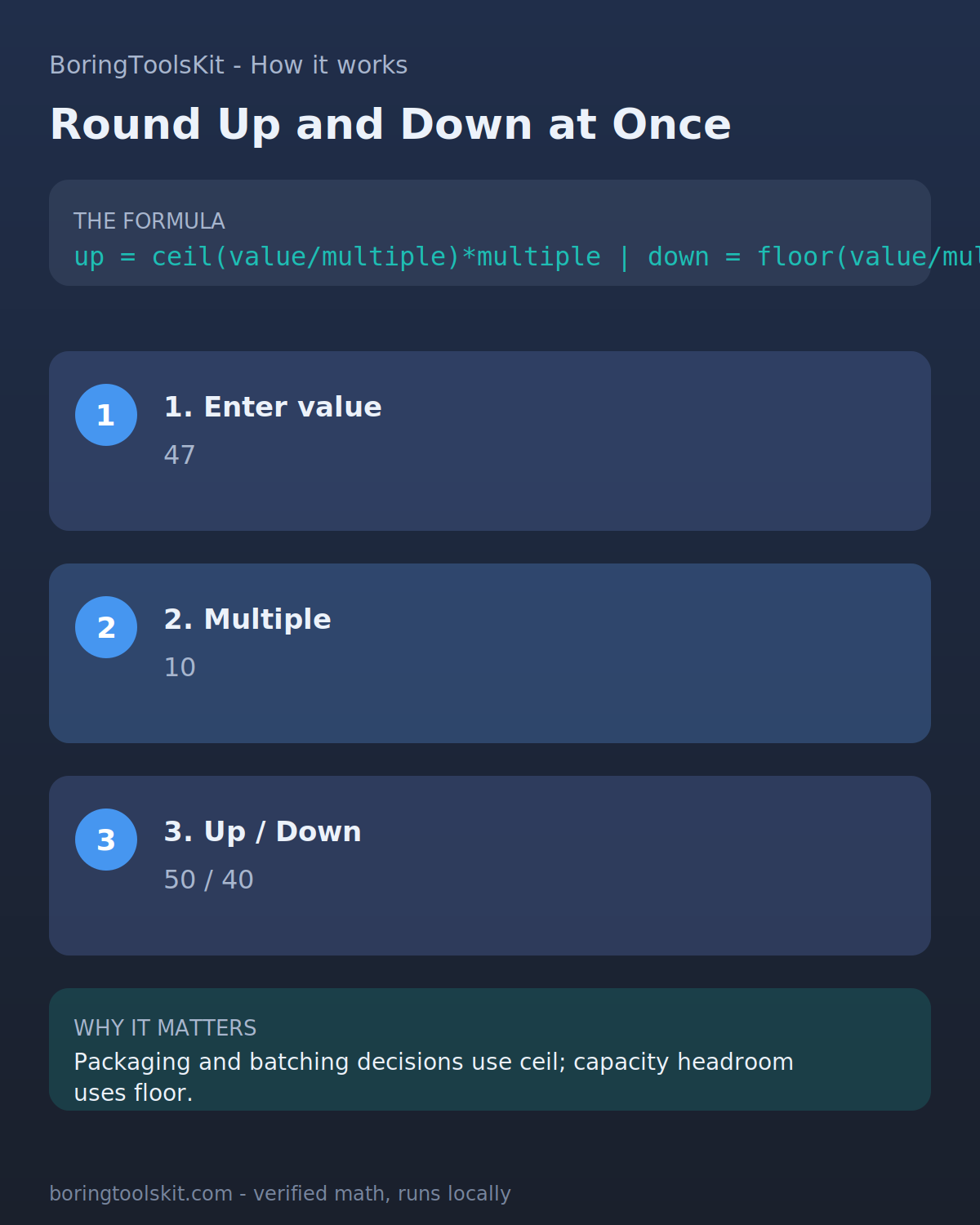
How this calculator works
Formula
The calculator takes a value and a multiple, then computes three results from the raw ratio: rounding up uses Math.ceil(value / multiple) * multiple, rounding down uses Math.floor(value / multiple) * multiple, and nearest uses Math.round(value / multiple) * multiple. The multiple must be greater than 0 and at most 1,000,000; anything else returns an error message instead of a result. The nearest result follows JavaScript's Math.round tie rule, which rounds .5 cases toward positive infinity, so Math.round(-2.5) gives -2 and a value of 2.5 with multiple 1 rounds to 3.
Worked example
Round 27 to the nearest multiple of 5. Divide: 27 / 5 = 5.4. Nearest: Math.round(5.4) = 5, so 5 x 5 = 25. Up: Math.ceil(5.4) = 6, so 6 x 5 = 30. Down: Math.floor(5.4) = 5, so 5 x 5 = 25. Because 5.4 is below 5.5, the nearest result is 25, the rounded-up result is 30, and the rounded-down result is 25. If the value were exactly 27.5, the ratio 5.5 would tie, and Math.round would send it up to 30.
Assumptions to verify
- Nearest rounding uses JavaScript Math.round, which resolves exact .5 ties toward positive infinity: 2.5 becomes 3, but -2.5 becomes -2.
- The multiple input is rejected with an error message when it is less than or equal to 0 or greater than 1,000,000; no result is computed for those inputs.
- Values are stored as binary floating point numbers, so ratios like 0.1 / 0.1 may carry tiny representation error, and there is no decimal-places or significant-figures mode on this tool.
Frequently asked questions
How do you round a number to the nearest multiple?
Divide the number by the multiple, round the ratio to the nearest whole number, then multiply back by the multiple. For 27 to the nearest 5: 27 / 5 = 5.4, round to 5, then 5 x 5 = 25.
Does 2.5 round up or down?
In this calculator 2.5 rounds up to 3 because JavaScript's Math.round sends exact .5 ties toward positive infinity. Note the asymmetry: -2.5 rounds to -2, not -3, because the tie always goes toward positive infinity.
What is the difference between rounding up and rounding to the nearest?
Rounding up always moves to the next multiple at or above the value, even from 61 to 65 with a multiple of 5. Nearest rounding picks the closest grid line, so 61 stays at 60. Rounding down always moves to the multiple at or below.
When should I round up instead of down?
Round up when running short is expensive, such as buying material by the box or booking seats. Round down when capacity is a hard limit, such as weight ratings or budgets, where exceeding the limit is unacceptable.
What happens if I enter 0 or a negative multiple?
The calculator returns an error message asking for a multiple above 0 instead of a result. Multiples are also capped at 1,000,000, so anything larger is rejected as well.
Can I round to decimals like 0.25 or 0.5?
Yes. Enter 0.25 or 0.5 as the multiple and the grid works in those steps, so 7.3 to the nearest 0.5 gives a ratio of 14.6, which rounds to 15, and 15 x 0.5 = 7.5. The tool has no separate decimal-places setting; the multiple itself defines the grid.
Does this calculator round to significant figures?
No. This tool rounds to multiples of any number you choose. For significant figure rounding, use the dedicated Significant Figures Calculator, which counts leading zeros and trailing zeros according to sig fig rules instead of working on a fixed grid.
Cite this tool
BoringToolsKit. “Round Up Down Calculator.” boringtoolskit.com/round-up-down-calculator/ (reviewed September 2026). Free to reference in articles, syllabi, and answer posts with a link.
Privacy: Inputs and results stay in this browser. Any future sponsored recommendation or advertisement will be clearly labeled and kept separate from the calculation.