Calculated in your browser; your inputs are not sent to us. Privacy
Results update when you run the tool.
This tool processes the selected input in your browser. Review the output before relying on it; format and file behavior can vary by browser and source data.
Your inputs and results stay in this browser. This page may send privacy-bounded aggregate interaction events described in Privacy; it does not send your entered values or result contents.
Use this result
Share the current inputs or ask ChatGPT to explain the calculation in context.
More options
What does this converter do?
Screen size calculator: convert between diagonal, width, and height by aspect ratio and compare the viewing area of TV or monitor sizes. Free, no signup.
- A 27-inch 16:9 monitor is 23.5 in wide, 13.2 in tall.
- Same diagonal, different aspect ratio = different area: a 25-inch ultrawide (21:9) shows more area than a 25-inch 16:9.
- A 4K 27-inch display is ~163 ppi; a 27-inch 1080p is ~82 ppi — half the density.
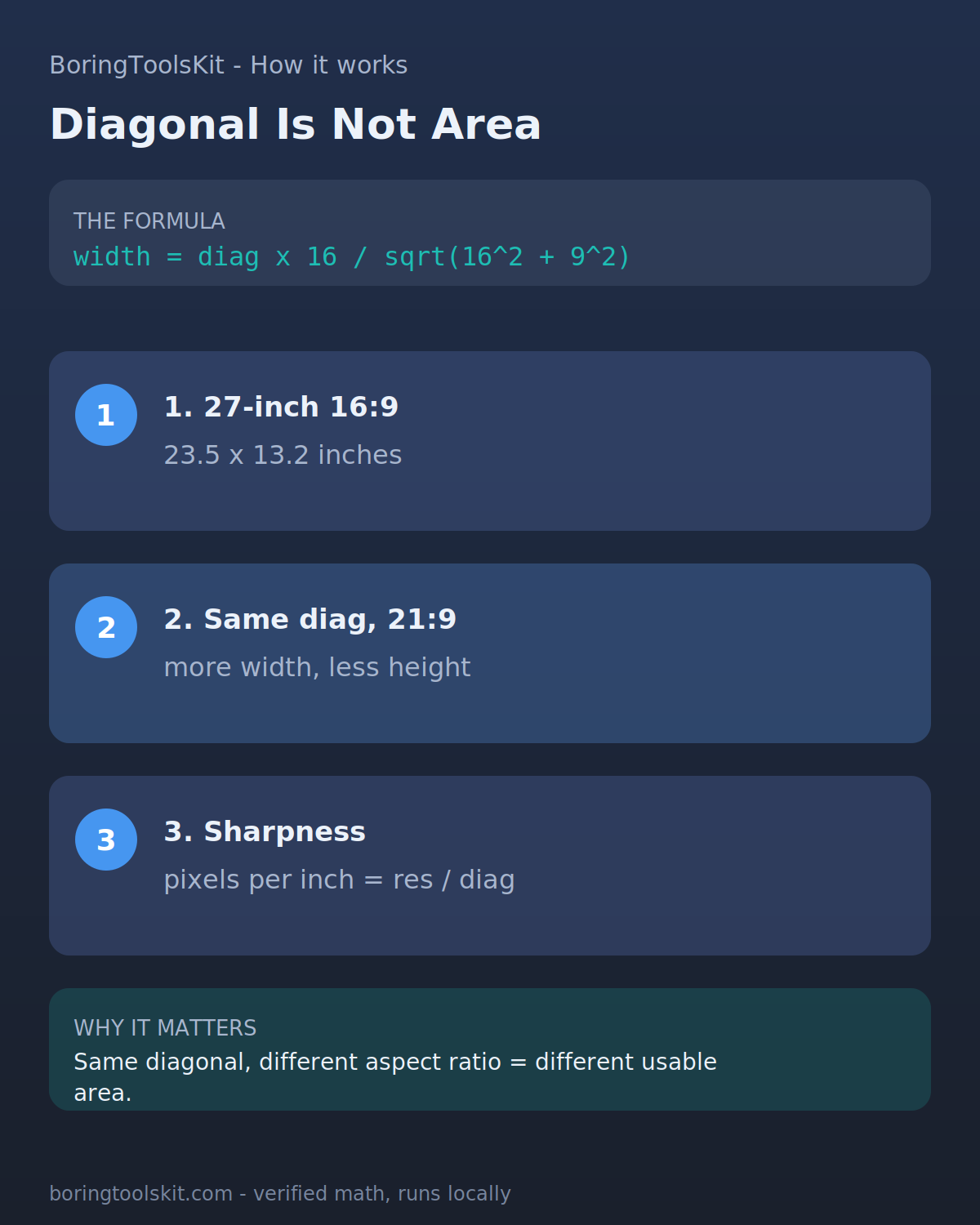
How this calculator works
Formula
Diagonal in inches, with aspect ratio deciding the actual dimensions: 16:9 at 55 in is 48.1 x 27.0 in. Pixels-per-inch = sqrt(w^2 + h^2) / diagonal for the resolution.
Sources
Sources support the method, terminology, or planning context. Editable assumptions remain your responsibility.
Assumptions to verify
- Manufacturer charts vary; conversion outputs are the standard-mapping midpoint.
- Measurements are body measurements unless the tool labels them as garment measurements.
- Between-size results round per the rule stated in the FAQ.
Frequently asked questions
Is a bigger screen always better for work?
Only if resolution and viewing distance keep up. Text sharpness depends on pixels per inch; a 32-inch 1080p screen shows larger, softer pixels than a 27-inch 1440p at the same distance.
Cite this tool
BoringToolsKit. “Screen Size Calculator.” boringtoolskit.com/screen-size-calculator/ (reviewed 2026-09-20). Free to reference in articles, syllabi, and answer posts with a link.
Privacy: Inputs and results stay in this browser. Conversion runs locally in your browser; review the output before relying on it.
Worked example: 27 inches at 16:9 vs 16:10
The formula inverts the Pythagorean theorem. Width and height are the two legs, the diagonal is the hypotenuse, and the aspect ratio fixes how the diagonal splits between the legs. For a 27-inch 16:9 panel: square the ratio first, (16/9)^2 = 3.1605, then add 1 to get 4.1605, and take the square root, sqrt(4.1605) = 2.0397. That number is the diagonal expressed in height-units, so height = 27 / 2.0397 = 13.24 inches. Width = height times the ratio: 13.24 x (16/9) = 23.53 inches. Sanity check: 23.53^2 + 13.24^2 = 553.7 + 175.3 = 729.0, and sqrt(729.0) = 27.0, so the pieces close the triangle exactly.
Hold the same 27-inch diagonal and change only the aspect ratio to 16:10: (16/10)^2 = 2.56, plus 1 = 3.56, sqrt = 1.8868. Height = 27 / 1.8868 = 14.31 inches, width = 14.31 x 1.6 = 22.90 inches. The 16:10 panel is 1.07 inches taller and 0.63 inches narrower than the 16:9 one at the same quoted diagonal, which is why a 27-inch 16:10 feels bigger for documents even though the marketing number is identical.
Push it to an ultrawide 21:9 shape: (21/9)^2 = 5.4444, plus 1 = 6.4444, sqrt = 2.5386. Height = 27 / 2.5386 = 10.64 inches, width = 10.64 x (21/9) = 24.82 inches. Nearly the same width as the 16:9 panel but 2.60 inches shorter. Area tells the story: 16:9 gives 311.6 square inches, 16:10 gives 327.7, and 21:9 gives 264.1, so the ultrawide has about 15 percent less glass than the 16:10 despite costing more.
Edge cases the formula will not catch
The inputs have hard floors: any diagonal, ratio width, or ratio height of zero or less returns the invalid-state message instead of a result, so a negative diagonal such as -27 or a ratio written backwards as 9:21 below zero stops immediately. But the guard is weaker than it looks. A ratio like 1:1 is accepted and correct (a 27-inch square screen is 19.09 x 19.09 inches), yet an absurd but positive pair like 1000:1 passes validation and returns a 26.99-inch-wide, 0.03-inch-tall sliver with no warning. The math is right; the sanity check is on you.
The formula also assumes the ratio describes the active image area. Real monitors carry bezels, so a 27-inch 16:9 monitor is physically about 24.0 x 14.4 inches including frame, and the viewing area is what the 23.53 x 13.24 result describes. TV spec sheets are worse: quoted diagonals round to marketing-friendly numbers, and some 55-inch sets use the same diagonal for panel sizes that differ by a few tenths of an inch.
Two practical cases where diagonal-to-rectangle conversion misleads. First, projector screens: manufacturers quote the diagonal of the image at a specific throw distance, and a 100-inch 16:9 screen is 87.16 x 49.03 inches while a 100-inch 2.35:1 cinema screen is 91.79 x 39.06 inches, so wall space planning from diagonal alone under-hangs one and over-hangs the other. Second, phone and tablet spec sheets often quote a corner-to-corner diagonal of a rounded-corner display, so the actual rectangle area is a few percent smaller than the number this formula reports.