Metronome BPM Calculator

Metronome BPM calculator: convert tempo markings like allegro or largo into exact BPM ranges and back. Free tool, private, runs locally, no signup needed.

Time signature
Convert

Updates automatically as you type.

Calculated in your browser; your inputs are not sent to us. Privacy

Results will appear here.
Calculation details
Every figure above is calculated locally in your browser from the assumptions shown. No inputs are sent anywhere. See the methodology section below for how this tool works.
Use this resultShare the current inputs, or ask ChatGPT to explain the calculation in context.
Ask an AI to explain this result
Share this result

Review the generated output before relying on it.

This tool runs in your browser. Your calculator inputs and results are never transmitted to us or to ad/affiliate partners. Ads and sponsored links may set third-party cookies to serve and measure them, but they never receive your calculation values. If you explicitly save a scenario, its permitted fields stay in local browser storage until you clear them. See our Privacy Policy.

Use this result

Share the current inputs or ask ChatGPT to explain the calculation in context.

More options
Report a calculation issue
Beat duration in milliseconds at 90, 120, 138 and 250 BPM
At 90 BPM each beat stretches to 666.67 ms.
Method & verification

How This Tool Works

Calculation Method

Reads Tempo, Volume and Tempo marking, then returns the result shown on this page.

Site methodology

No unrelated authority link is added merely to make this page look sourced. Tool-specific external sources are shown only when they directly support the method, rate, or rule.

Assumptions to Verify

  • Inputs are treated exactly as entered.
  • Verify important decisions with current authoritative information.

Privacy: The calculation runs in this browser. Shared links contain the page address only, not your inputs or results.

Worked example: from tempo mark to milliseconds per beat

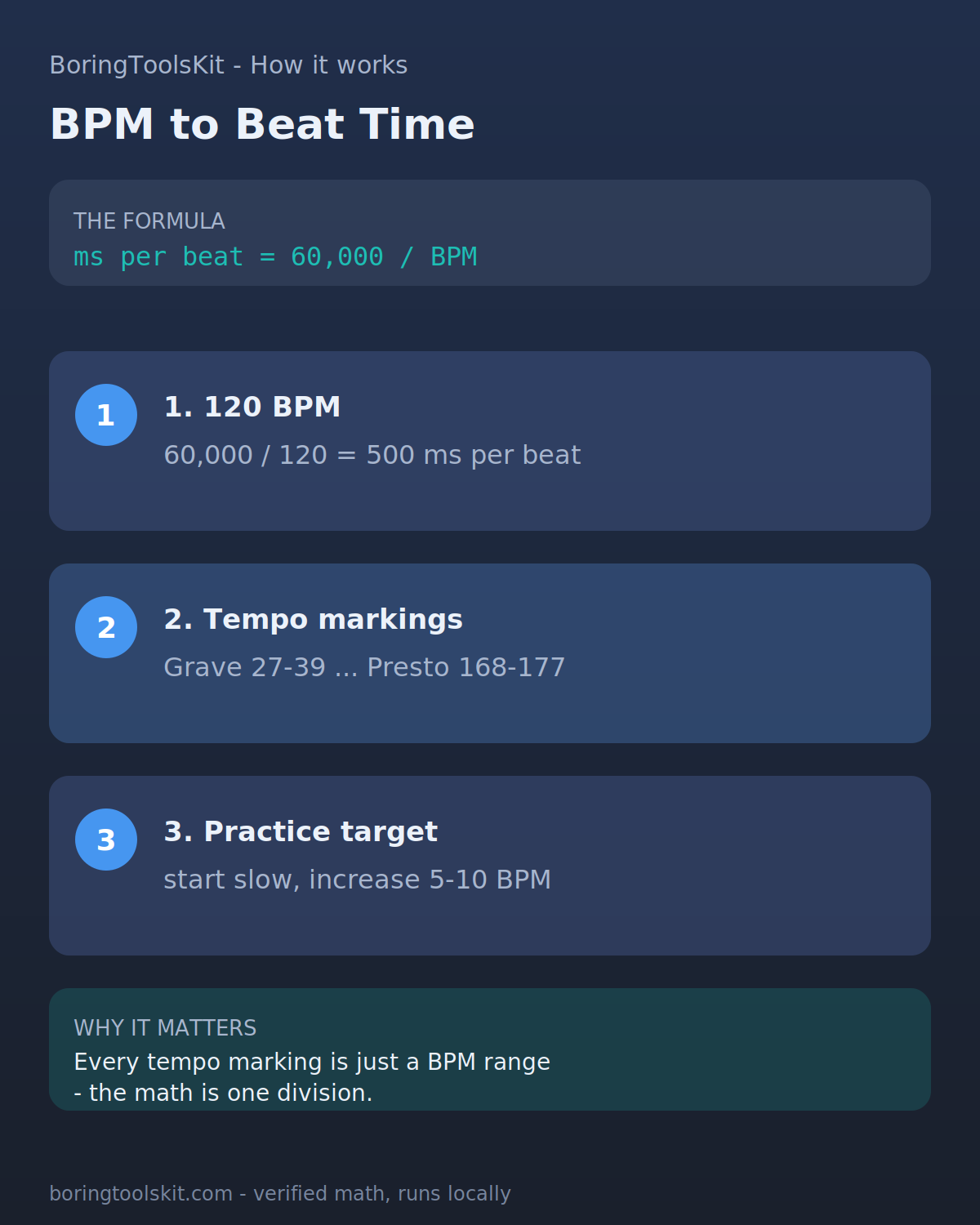
Take a piece marked allegro. The calculator maps allegro to 138 BPM, inside its 121-156 range. Converting to beat duration: 60000 / 138 = 434.78 ms per beat. Round to 435 ms and the click lands about 2.3 times per second.

Now change the time signature to 3/4. Beats per bar is 3, so one full bar takes 3 x 434.78 = 1304.34 ms, roughly 1.3 seconds per measure. At 2/4 the same 138 BPM gives a 869.57 ms bar. The BPM never changes; only the bar length moves.

The accent pattern follows from the same arithmetic. In 4/4 at 120 BPM, each beat is 60000 / 120 = 500 ms, so a bar lasts 4 x 500 = 2000 ms and the accented first beat fires every 2 seconds. Drop to 90 BPM and the beat stretches to 666.67 ms; a 4/4 bar now takes 2666.68 ms, which is why the same passage feels half a beat slower per bar even before the ear adjusts.

What the click cannot tell you

The timer uses setTimeout, which fires no more precisely than the browser's screen-refresh and event-loop allow. At 120 BPM the true beat is every 500 ms; in practice expect drift of several milliseconds per click, and after hundreds of beats the offset can reach 20-50 ms against a DAW grid. Audible enough? Probably not. Sample-accurate? No.

Timing precision also degrades at extremes. Above roughly 250 BPM, a 60000 / 250 = 240 ms interval sits near the limit of reliable setTimeout scheduling on a busy tab, so fast passages may waver. Background tabs are throttled harder still; the click can stall or slow if you switch windows.

The tempo-mark lookup returns a single default BPM per term (andante = 92), not the full 77-108 band a conductor might choose. Two musicians reading the same 'andante' could legitimately sit 30 BPM apart. Use the mark result as a starting point, then adjust by ear or to the recording you are practising against. There is also no subdivision or swing; the click gives one pulse per beat regardless of feel.