Calculated in your browser; your inputs are not sent to us. Privacy
Results update when you run the tool.
This tool processes the selected input in your browser. Review the output before relying on it; format and file behavior can vary by browser and source data.
Your inputs and results stay in this browser. This page may send privacy-bounded aggregate interaction events described in Privacy; it does not send your entered values or result contents.
Use this result
Share the current inputs or ask ChatGPT to explain the calculation in context.
More options
What does this converter do?
Data storage converter: bytes, KB, MB, GB, TB (binary 1024 base). Free data storage converter with the formula shown - runs entirely in your browser, no signup.
- 1 GB = 1000 MB · 1 GiB = 1074 MB · 1 TB = 1000 GB
- All conversions route through the byte as the base unit, so every pair of units agrees regardless of which two you enter.
- Standard factors are shown in the formula panel at the precision the calculator actually uses, so the arithmetic and the panel agree.
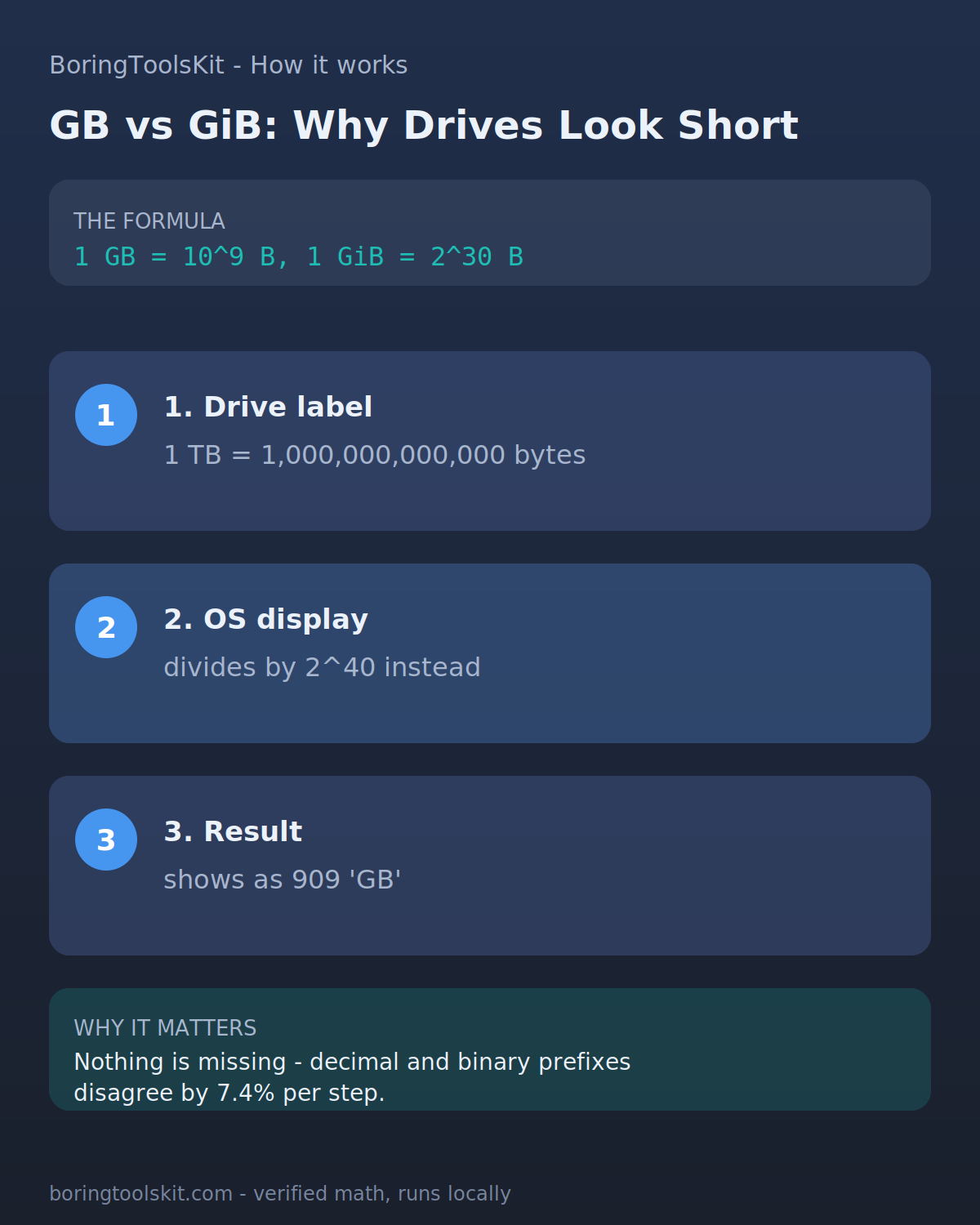
- Decimal prefixes (kB, MB, GB) use powers of 1000; binary prefixes (KiB, MiB, GiB) use powers of 1024. Drive makers ship decimal; operating systems often display binary, which is why a '1 TB' drive shows as 931 GiB.
Reference factors (data)
Exact factors in terms of the byte, from IEC standards:
- 1 byte = 1 byte
- 1 KB = 1000 byte
- 1 KiB = 1024 byte
- 1 MB = 1e+06 byte
- 1 MiB = 1.04858e+06 byte
- 1 GB = 1e+09 byte
- 1 GiB = 1.07374e+09 byte
- 1 TB = 1e+12 byte
Why file sizes never match the label
A drive sold as 1 TB holds 1,000,000,000,000 bytes. An operating system that divides by 1,099,511,627,776 (2^40) reports 909 TiB, displayed as '909 GB'. Both numbers are right; the prefixes differ. This converter shows both scales so the discrepancy is checkable rather than mysterious.
How this calculator works
Formula
bytes = value × decimal factor (1000^n) or binary factor (1024^n)
Worked example
1 GB = 1000 MB · 1 GiB = 1074 MB · 1 TB = 1000 GB
Sources
Sources support the method, terminology, or planning context. Editable assumptions remain your responsibility.
Assumptions to verify
- Inputs are treated as exact decimal values.
- Standard (not historical or survey) unit definitions are used.
- The calculation uses the factors at the precision shown in the formula panel; rounding beyond that is display-only and adds no accuracy.
Frequently asked questions
Why convert through byte instead of directly?
Routing every unit through a single base (byte) means each unit needs only one exact factor against the standard, and any pair combines cleanly. Direct pair factors drift apart over time in hand-maintained tables; a base-unit graph cannot.
Where do these exact factors come from?
From published standards (IEC: IEC 80000-13 binary prefixes standard). Units like the inch are defined exactly (1 in = 2.54 cm since 1959), so conversions between standard units are exact, not approximate.
How precise is the converted data size?
The conversion applies the standard factors shown in the formula panel. The practical limit is your input: the result only regroups the number you entered, so digits beyond the size you started with do not add accuracy. Binary (1024) and decimal (1000) conventions differ, so state which one you mean when the figure matters.
Why does 1 GiB differ from 1 GB?
1 GB = 10^9 bytes (decimal), 1 GiB = 2^30 bytes (binary). The gap is 7.4% and grows with each prefix step. Standards bodies split the names in 1998 precisely because marketing 'GB' and binary 'GB' had become two different things.
Cite this tool
BoringToolsKit. “Data Storage Converter.” boringtoolskit.com/data-storage-converter/ (reviewed 2026-09-20). Free to reference in articles, syllabi, and answer posts with a link.
Privacy: Inputs and results stay in this browser. Conversion runs locally in your browser; review the output before relying on it.