Inventory Turnover Calculator
Inventory turnover tells you how fast you sell what you buy. Low turnover means cash is stuck on shelves; high turnover means lean, efficient operations. This computes the ratio and days on hand.
What does this tool do?
Inventory Turnover Calculator computes the result directly in your browser — Inventory turnover tells you how fast you sell what you buy. Low turnover means cash is stuck on shelves; high turnover means lean, efficient operations. This computes the ratio and days on hand. Nothing you enter is uploaded or stored.
Formula: inventory turnover = cost of goods sold ÷ average inventory (typically (beginning + ending inventory) ÷ 2). Days on hand: 365 ÷ turnover — how many days of sales your current stock covers. Interpretation: grocery/pharmacy turn 12-20×, retail/wholesale 4-10×, luxury/specialty 1-3×. Too high isn't always good: very high turnover can mean stockouts and lost sales. The right number is industry- and product-specific.
How this calculator works
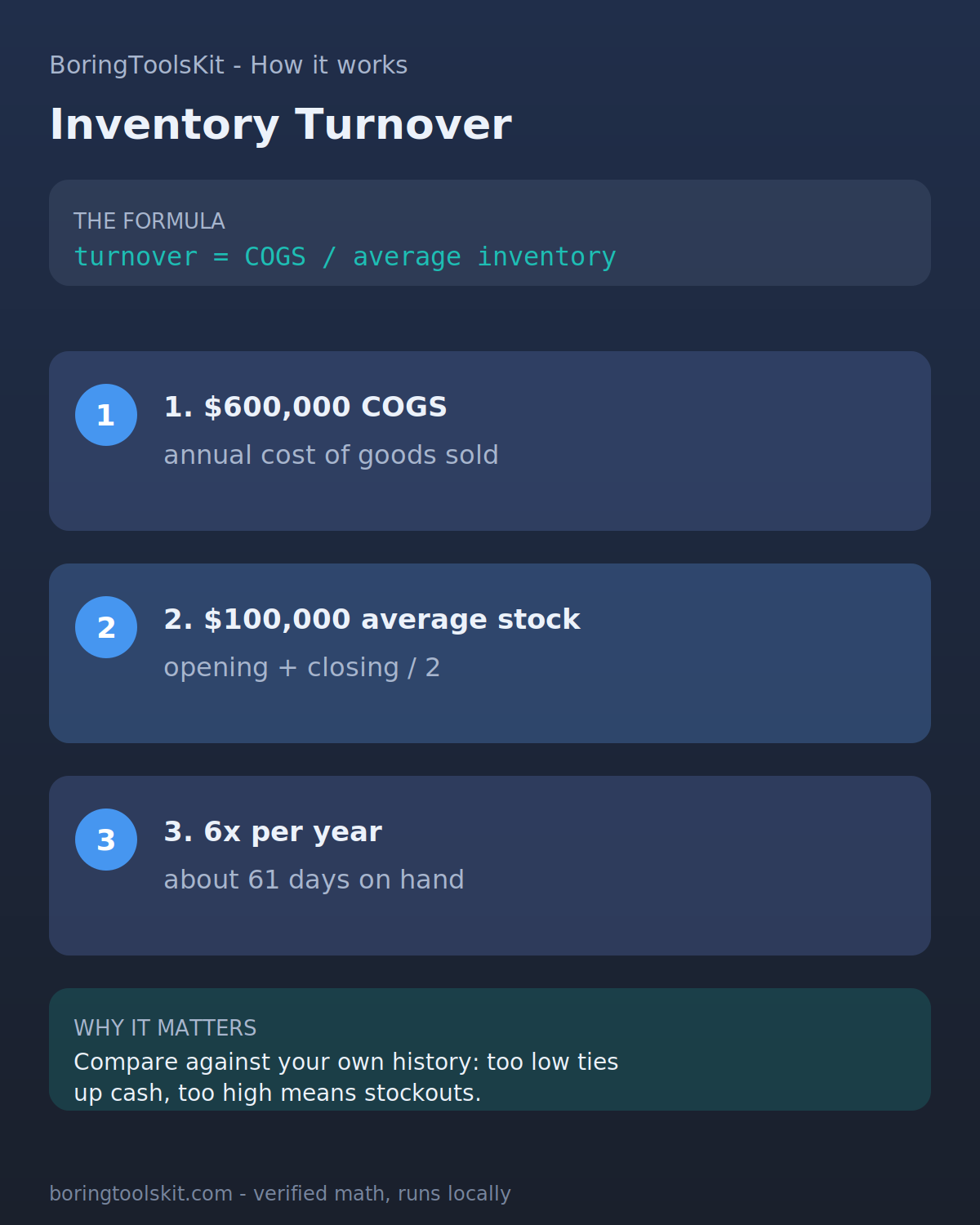
Turnover = COGS / average inventory. Days inventory = 365 / turnover. Higher is faster; too high can mean stockouts.
Worked example
$600,000 COGS with $100,000 average inventory turns 6x per year, about 61 days of inventory on hand.
FAQ
What is a good inventory turnover ratio?
It depends on industry: grocery runs 12-20×, general retail 4-10×, and specialty/luxury 1-3×. Compare to your category rather than an absolute number.
How do I improve inventory turnover?
Cut slow movers, tighten reorder points, run promotions on dead stock, and improve demand forecasting. Each point of turnover frees cash from shelves.
What does high turnover mean?
You sell inventory quickly — good cash flow and lean stock. But if it's too high, you may be stocking out and losing sales; balance turnover against service levels.
Figures are editable example defaults for modeling, not quotes or advice. Financial, tax, and medical outcomes vary with your situation — verify with a qualified professional (CFP, CPA, tax advisor, or veterinarian).