Define your own inputs and a formula, preview it live, and share it with a link — no account, no uploads. Saved calculators stay on this device.
Direct answer
What does this tool do?
The Custom Calculator Builder turns any formula you write into a working calculator with labeled inputs and one clear result. For example, a quote with a $50 base fee, 12 hours at $85 per hour, and 8% tax computes 50 + 12 × 85 = 1,070.00 before tax, then 1,070.00 × 1.08 = $1,155.60 as the final total.
1. Name your calculator
2. Add inputs
3. Write the formula
Reference your inputs by their field name (e.g. tip + bill). Supports + - * / ^ %, parentheses, and sqrt() round() min() max() abs().
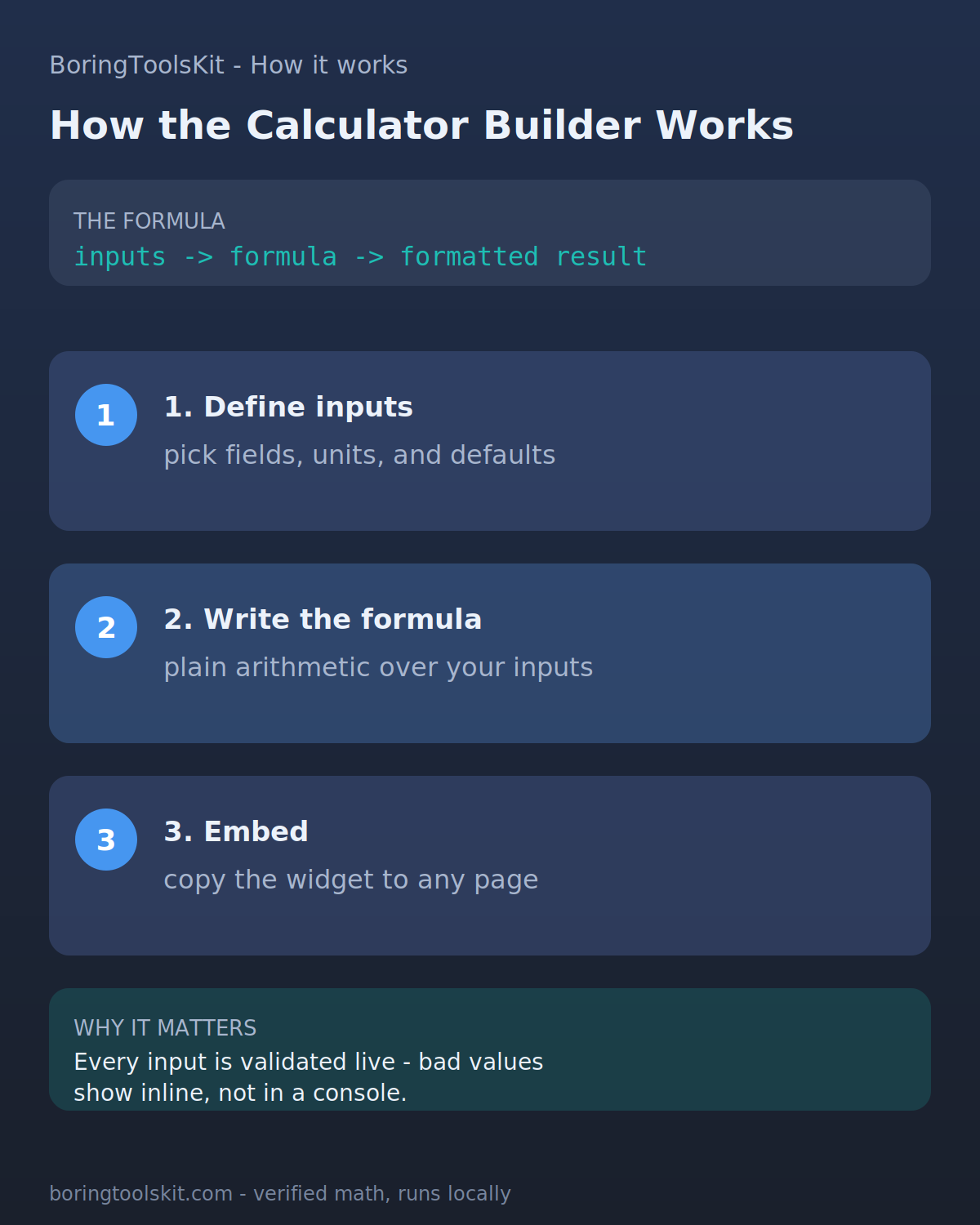
Every calculator you build follows the same three-part structure: inputs, a formula, and a formatted result. Inputs are typed fields with units and sensible defaults; the formula is plain arithmetic that references each input by its field name (supporting + - * / ^ %, parentheses, and sqrt() round() min() max() abs()); and the preview recalculates as you type, validating values inline so mistakes show up next to the field rather than as a silent wrong answer.
Formulas stay reviewable on purpose. Anyone opening your share link sees the inputs, the formula string, and the result, which makes a custom calculator easy to sanity-check the same way every BoringToolsKit tool is: assumptions visible, math transparent, nothing hidden behind a black box.
Custom calculators worth building
The builders who get the most out of this page start from a question they answer repeatedly. A catering manager prices a per-head menu with a staff-cost multiplier. A landlord compares monthly cash flow across units with different tax and maintenance assumptions. A runner converts race pace between distances with their own fatigue factor. A freelance team splits an invoice by role weightings.
If your formula repeats across jobs, clients, or training cycles, building it once beats recomputing it every time - and sharing the link lets someone else check the math instead of trusting it.
Step-by-step: from inputs to a formula to a shareable custom calculator
Use this result
Share the current inputs or ask ChatGPT to explain the calculation in context.
Take the catering case from above and run it end to end. Inputs: guests = 60, food cost per head = $28, staff multiplier = 1.35, flat venue fee = $450. Formula: guests * food_per_head * staff_multiplier + venue_fee.
Step one: 60 * 28 = 1680, the raw food spend. Step two: 1680 * 1.35 = 2268, which adds the 35% staff loading. Step three: 2268 + 450 = 2718 total. Dividing by guests gives 2718 / 60 = 45.30 per head, so a second formula field can surface price_per_head = total / guests directly.
Now the builder earns its keep: change guests to 80 and the same formula gives 80 * 28 * 1.35 + 450 = 3468, or 43.35 per head. The per-head price falls because the flat fee spreads across more covers, which is exactly the trade-off a client will ask about. When you share the link, they see guests = 80, the formula string, and 43.35, so they can redo any step on paper and confirm it.
Unit drift is the most common failure. A landlord builds a cash-flow formula as rent * 12 - (tax_annual + maintenance_annual), then feeds it a monthly maintenance figure of 250 instead of the annual 3000. The formula still runs and returns a plausible number, 12,000 - 3,250 when tax is 6,000 and rent is 1,000 per month, but it is wrong by 2,750 a year. The inline validation catches missing or non-numeric fields, not wrong units, so name inputs with the unit built in: maintenance_annual, not maintenance.
Rounding is the second one. A runner's pace formula might return 7.833333 minutes per mile; the preview shows the full precision, but anyone transcribing the rounded 7.83 back into training logs accumulates error across repeats. Add a round() wrapper in the formula itself rather than trusting mental rounding.
Finally, guard the assumptions that stay fixed. A staff multiplier of 1.35 is a policy choice, not a constant of nature. If it changes, the saved calculator should be edited and re-shared, not hand-adjusted outside the tool, otherwise the share link stops matching the number your client actually got.